Summary
Multi-factor authentication (MFA) verifies identity using two or more different types of evidence. The method determines how well a sign-in withstands phishing. Where the check is enforced determines which routes it protects, from a cloud portal to a Windows workstation or an older business application.
A finance application sits behind a company portal that requires MFA. Employees can also reach it through an internal bookmark that opens the application’s own password screen. If that screen accepts a password alone, the same records are protected differently depending on how employees get there.
Start an MFA review by opening the application the way employees do. The portal and the bookmark in this example lead to separate sign-ins. Each needs its own test.
What Is Multi-Factor Authentication (MFA)?
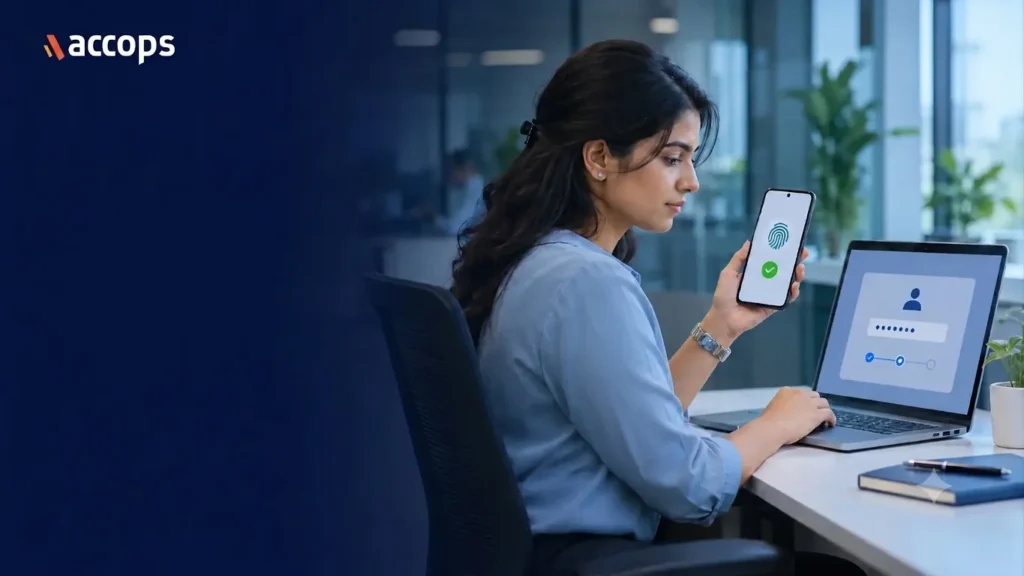
MFA requires at least two different types of proof. A password, for example, shows that the user knows a secret. A registered security key shows that the user controls something linked to the account.
Two-factor authentication (2FA) is MFA that uses exactly two different factor types. A password and a second memorised secret still count as one type, even when the sign-in shows two prompts.
Why Is Multi-Factor Authentication Important?
If someone steals an employee’s password, that password alone cannot complete a sign-in protected by MFA. The choice of method matters. A fake payroll page can capture a one-time code and pass it to the real service while the code is still valid. A WebAuthn passkey is tied to the real site’s domain, so a lookalike page on a different domain cannot use it.
How Does Multi-Factor Authentication Work?
-
Set up the sign-in method:
The organisation sets a policy for what users must prove. Where the policy calls for an authenticator such as a security key or an app, the user registers it with their account.
-
Check the required proof:
At sign-in, the service or its identity provider checks the evidence required by policy. Some methods prompt for each factor separately. A single authenticator can also verify two factors in one sign-in.
-
Complete sign-in:
If the required checks pass, the user is authenticated. The application then applies its own permissions to determine what the user can see or change.
What Are the Different Types of Multi-Factor Authentication?
- Knowledge: Something you know, such as a password or PIN.
- Possession: Something you control, such as an enrolled authenticator app, smart card or security key.
- Inherence: A characteristic of who you are, such as your fingerprint or face. A biometric can also unlock a cryptographic authenticator on a device.
Common Multi-Factor Authentication Examples
Imagine the first shift at a manufacturing plant. Personal phones stay off the production floor, so an operator signs in to a shared Windows workstation with a password and an enrolled fingerprint.
At head office, a planner checks which deliveries are due that morning. She signs in to the scheduling app with a password and a one-time code from an authenticator app on her work phone.
Before a maintenance window, an IT administrator opens the console used to manage workstation access. He inserts his registered FIDO2 security key and enters its PIN. The company requires a phishing-resistant method because the administrator can change who has access across the plant.
The manufacturer lowers the risk of account takeover while giving staff methods they can use in their own work setting. Where sign-in logs record the method and result, IT can investigate suspicious attempts and verify that the expected check took place.
Case Study on Adding Biometric Verification Across Bank Applications
A private-sector bank relied on a biometric system that required proprietary scanners. Extending that setup to 15 additional applications would have required substantial API development and ongoing maintenance.
Accops integrated biometric verification with the bank’s Active Directory. The integration made biometric sign-in available to applications connected to the directory and to desktop logons, without separate API integrations. It also supported biometric devices from multiple vendors. The published case study reports that the biometric deployment supported 90,000 users.
How Can Businesses Implement Multi-Factor Authentication Effectively?
-
Map the sign-in routes:
For a sensitive application, list the company portal, the direct login page and the admin console separately. Include VPN and desktop logons where people authenticate there. Record the account types using each route, which method is enforced and who owns any exception.
-
Put the check where the sign-in happens:
An application that delegates sign-in to an identity provider can use that provider’s MFA policy. For a compatible older application that checks credentials against Active Directory, Accops HyID can add a second check through a directory (LDAP) proxy. On Windows, its credential provider can use a fingerprint enrolled in Windows Hello as a second factor without a separate biometric server. Supported Windows configurations can also use a preconfigured offline factor when the authentication server is unreachable, with an expiry and an attempt limit.
-
Test access and recovery:
Start with privileged accounts and prioritise phishing-resistant methods. Test whether each sign-in route denies access when a user provides only a password. Have the help desk test its process for a lost security key. Verify the caller’s identity, revoke the old key and enrol a replacement. Where you still rely on SMS codes, account for SIM-swap risk and give each exception an owner and an expiry date.
Conclusion
An MFA policy has to keep working as people join, change roles and leave. New hires need a way to enrol on day one. Someone promoted into an admin role may need a stronger sign-in method. When an account closes, the authenticators tied to it should be invalidated. Choosing effective multi factor authentication solutions and Making those changes part of everyday account management keeps MFA effective beyond the initial rollout.
Frequently Asked Questions
Yes. A smart card and PIN can provide two factors at a workstation with a card reader. For a phone-restricted site, include shared workstations and replacement cards in the pilot so the method works across shifts.
Yes. A passkey can combine possession of a cryptographic credential with a PIN or biometric check when user verification is required. The device performs the local check and the service verifies the signed response.
Yes. An identity provider can require MFA at sign-in, and applications connected through single sign-on (SSO) can rely on that authentication. Whether users are prompted again depends on the application’s policy and the session.