Summary
A virtual lab abstracts software applications, operating systems, and network configurations away from physical hardware into centralised hypervisors or cloud infrastructure. For higher education institutions, virtual lab orchestration resolves hardware refresh costs, administrative patching burdens, and off-campus access limits. This guide details how university IT leaders deploy scalable virtual ICT labs to empower distributed learning while reducing total cost of ownership.
Modern universities operate at the intersection of complex academic software demands and constrained IT budgets. Key campus stakeholders face distinct operational hurdles: students require round-the-clock access to specialised software from personal devices, faculty need course-ready environments without administrative delays, and IT admins struggle with manual endpoint patching and network security risks. Physical computer laboratories can no longer satisfy these evolving campus needs, making virtualised lab orchestration an essential academic imperative.
What Is a Virtual Lab?
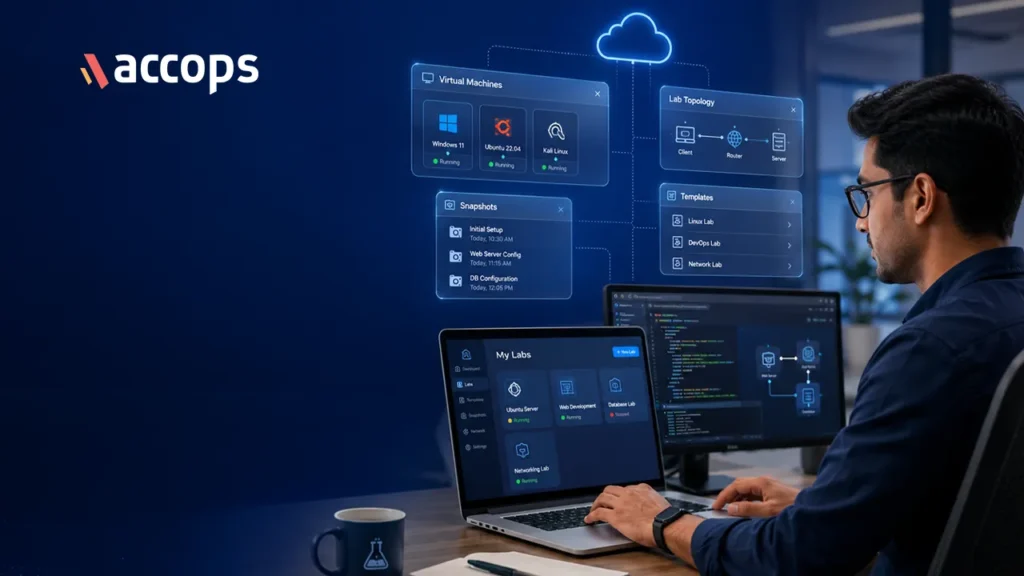
A virtual lab is a software-defined, isolated computing environment hosted on centralised campus servers or cloud infrastructure. Unlike standard virtual desktops, a virtual lab dynamically provisions specific operating system images, software stacks, and network settings tailored to academic courses on demand.
Students interact via encrypted display protocols, ensuring zero proprietary software or campus data resides on personal devices.
Why Use a Virtual Lab?
Transitioning to virtualised lab orchestration provides key strategic benefits for higher education leaders:
- Capital Cost Reduction: Centralised compute extends workstation lifespans, turning physical PCs into stateless access terminals.
- Zero-Trust Security: Student programming exercises and cybersecurity drills remain isolated within sandboxes, preventing malware propagation.
- Resource Elasticity: Server pools dynamically allocate CPU, RAM, and GPU capacity, returning idle resources post-session.
- Anywhere Access: Students gain secure, 24/7 remote access to course software from personal devices.
Types of Virtual Labs
Universities deploy distinct virtual lab architectures based on performance and campus policy requirements:
- Cloud-Native Virtual Labs: Hosted in public cloud infrastructure, offering rapid elastic scaling for variable enrolments and workshops.
- On-Premise ICT Labs: Hosted in university data centres, prioritising low latency, campus data control, and predictable costs.
- Hybrid Academic Labs: Architectures bursting heavy compute workloads to cloud during peak exam periods while maintaining on-premise baselines.
Virtual Lab vs Physical Lab
| Dimension | Physical Campus Lab | University Virtual Lab |
| Provisioning Speed | Days via manual PC reimaging | Seconds via automated templates |
| Capital Expenditure | High workstation refresh costs | Optimised via centralised capacity |
| Security Containment | Low due to open LAN access | Absolute via micro-segmented sandboxes |
| Accessibility | Location-bound to physical rooms | Universal via web browsers on BYOD |
| Maintenance Burden | High per-device patch overhead | Minimal single golden image control |
How to Set Up a Virtual Lab
Establishing a university virtual lab requires a structured four-step process:
- Infrastructure Sizing: Assess concurrent student lab requirements and provision hypervisor capacity across VMware, Nutanix, Hyper-V, Proxmox, or KVM.
- Golden Image Configuration: Build master OS templates containing required departmental software suites and security agents.
- Identity and LMS Integration: Connect virtualisation brokers with identity providers and Learning Management Systems like Moodle or Blackboard.
- Schedule Automation: Define policies for dynamic lab spin-up based on class timetables and automated post-session resets.
Key Requirements for Virtual Lab Tools and Software
Evaluating virtual lab software requires looking beyond standard desktop virtualisation to ensure platforms support academic workflows, administrative delegation, and governance:
- Timetable Automation: Automatically powering VM pools aligned with class schedules eliminates compute waste.
- Faculty Self-Service: Empowering professors to manage course software environments reduces routine IT tickets.
- LMS Integration: Connectivity with Moodle, Blackboard, and university directories streamlines access controls.
- Student Self-Study & Reservation: Allowing students to reserve lab slots supports independent research.
- Zero-Trust BYOD Security: Contextual access policies and multi-factor authentication safeguard software licences.
- Resource Analytics: Utilisation reporting helps leadership optimize hardware allocation.
Purpose-built platforms like Accops HyLabs fulfill these criteria by combining Virtual ICT Lab orchestration with multi-hypervisor support, delivering a complete solution that empowers faculty while maintaining strict security.
Case Study
Japan’s second largest university adopted Accops HyLabs to modernise campus IT infrastructure and establish a self-sufficient virtual lab environment across its multi-department campus.
Replacing physical ICT labs with a centralised VDI platform delivered key benefits:
- Empowered Students and Faculty: Granted self-service access to course-mapped virtual lab environments.
- Lower TCO and IT Dependency: Allowed faculty to manage lab resources independently, drastically reducing IT tickets.
- Real-Time Learning Analytics: Provided visibility into lab resource utilisation and student engagement.
- Secure Access: Enabled round-the-clock remote access from personal devices while safeguarding software licences.
Virtual Lab Best Practices
To maintain system performance and security, university IT teams should enforce key standards:
- Enforce Non-Persistent Baselines: Revert virtual lab instances to clean golden images upon student logout, eliminating configuration drift.
- Apply Resource Caps: Set strict execution limits on CPU, memory, and session duration to prevent resource exhaustion.
- Micro-Segment Subnets: Restrict lab subnets from communicating directly with sensitive administrative databases.
Virtual Lab Use Cases
Virtual labs address diverse academic requirements across higher education:
- STEM and Engineering: Delivering resource-heavy tools (MATLAB, CAD) directly to remote student laptops without hardware upgrades.
- Computer Science and AI: Providing isolated Python and artificial intelligence sandboxes where students write and compile code safely.
- Cybersecurity Training: Executing malware analysis and network defence exercises within air-gapped environments without endangering campus networks.
Conclusion
Maintaining physical computer laboratories is no longer sustainable for modern higher education institutions. Virtual lab solutions provide a transformative path forward, replacing hardware constraints with software-defined agility, central control, and ubiquitous student access.
By adopting purpose-built solutions like Accops HyLabs, university leaders lower total cost of ownership, safeguard institutional digital assets, and empower faculty and students with modern computing tools.
Frequently Asked Questions
Standard VDI delivers generic persistent desktops for administrative tasks, whereas virtual labs provide automated, course-specific environments configured with specialised software, timetable-based scheduling, and post-session resets designed specifically for academic teaching and student exercises.
By replacing individual physical PCs with shared server infrastructure, universities eliminate frequent workstation refreshes, simplify software patching into single master images, reduce physical lab energy consumption, and automatically power down idle virtual compute resources.
Yes. Virtual lab platforms stream encrypted display pixels rather than raw file data to web browsers, combining multi-factor authentication with endpoint posture checks to ensure university software and sensitive data never reside on personal devices.